


CHECK THE LIST
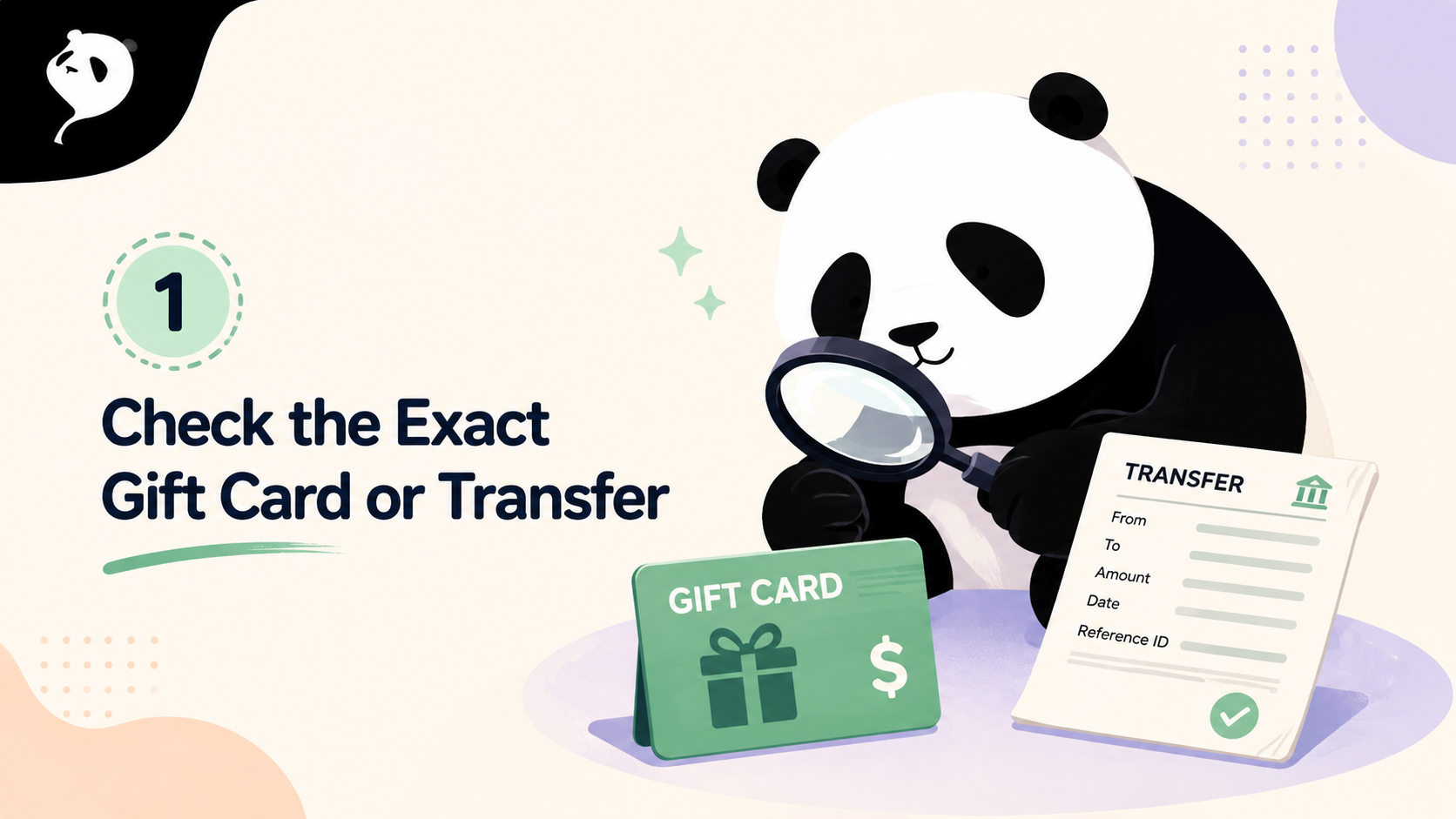
Search for the exact card
Check the card type, region and denomination. Similar branding does not make it the same product.
PDCard support guide
Some gift cards and money transfers need individual review. Follow the right path instead of submitting the wrong transaction.
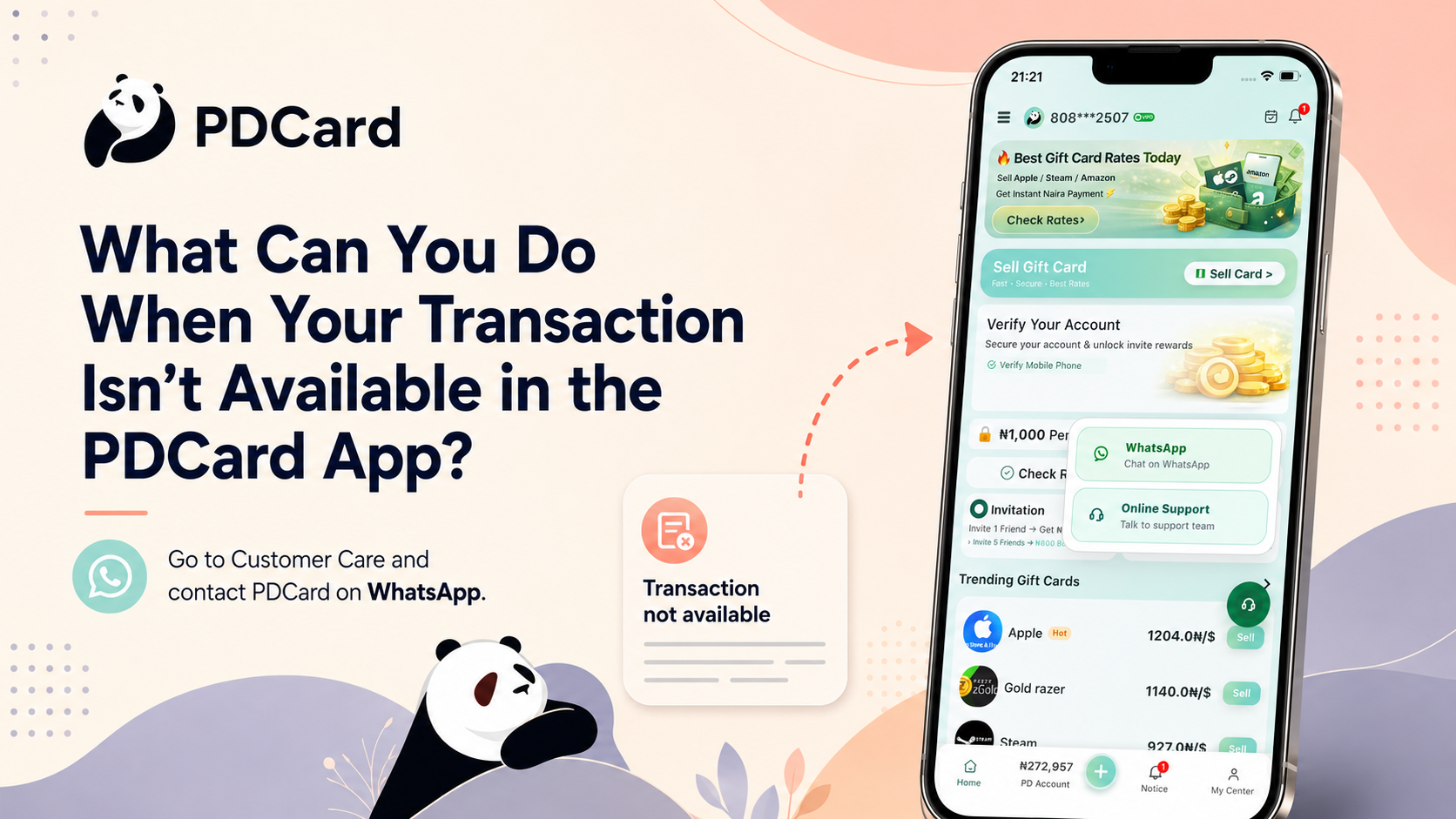
Start here
Choose the situation that matches your transaction. Both routes lead to PDCard Customer Service, but the information required is different.
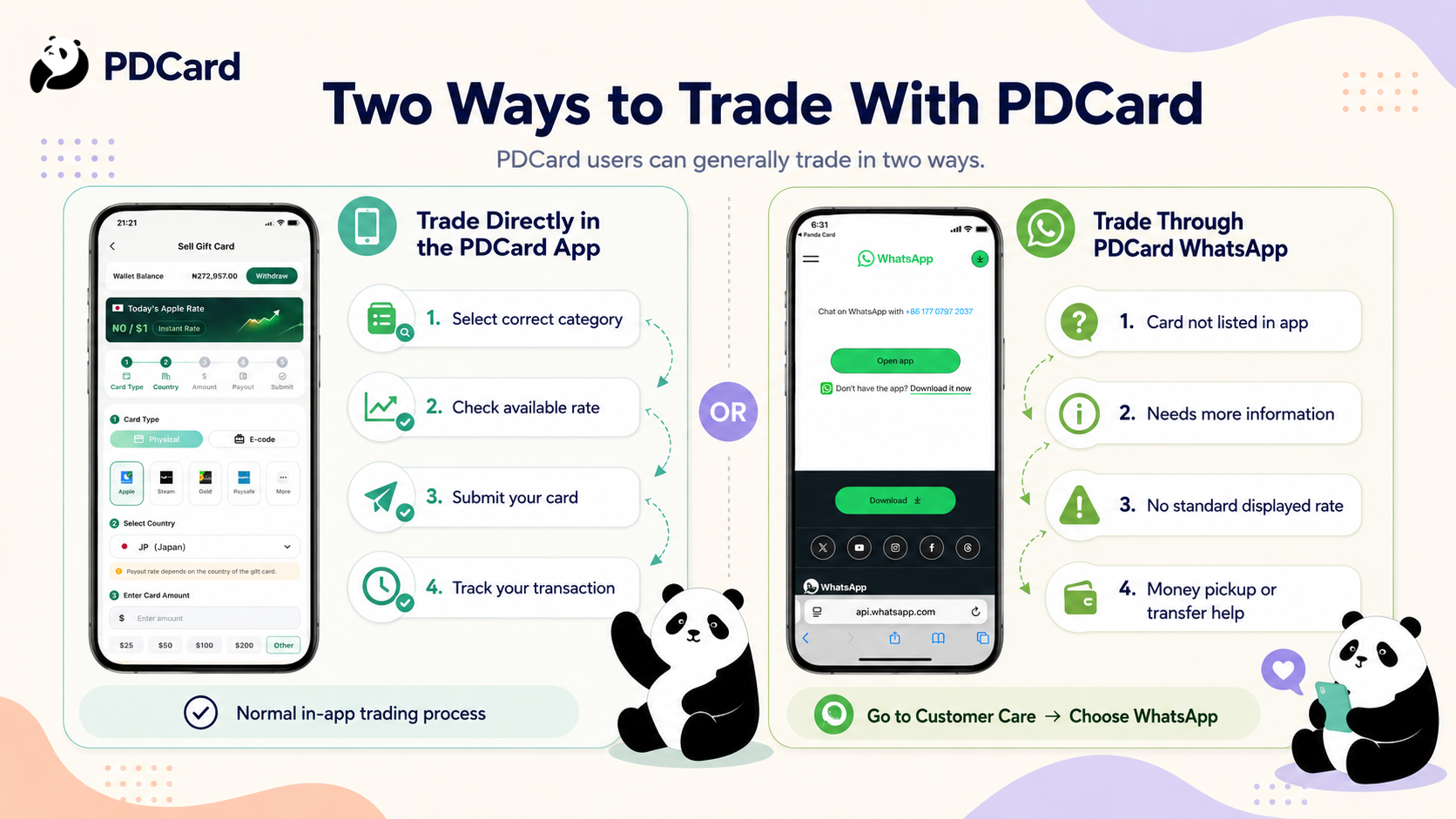
Open Customer Care in the PDCard app, choose WhatsApp and send the exact card details for review.
Route 01 · Gift cards
That does not automatically mean PDCard cannot buy it. It means the card needs to be checked individually.
Check the card type, region and denomination. Similar branding does not make it the same product.
Customer Service may ask for country, currency, card value, receipt or clear card images.
Open the app, tap Customer Care, choose WhatsApp and describe the exact gift card you want to sell.
 PDCardIndividual review
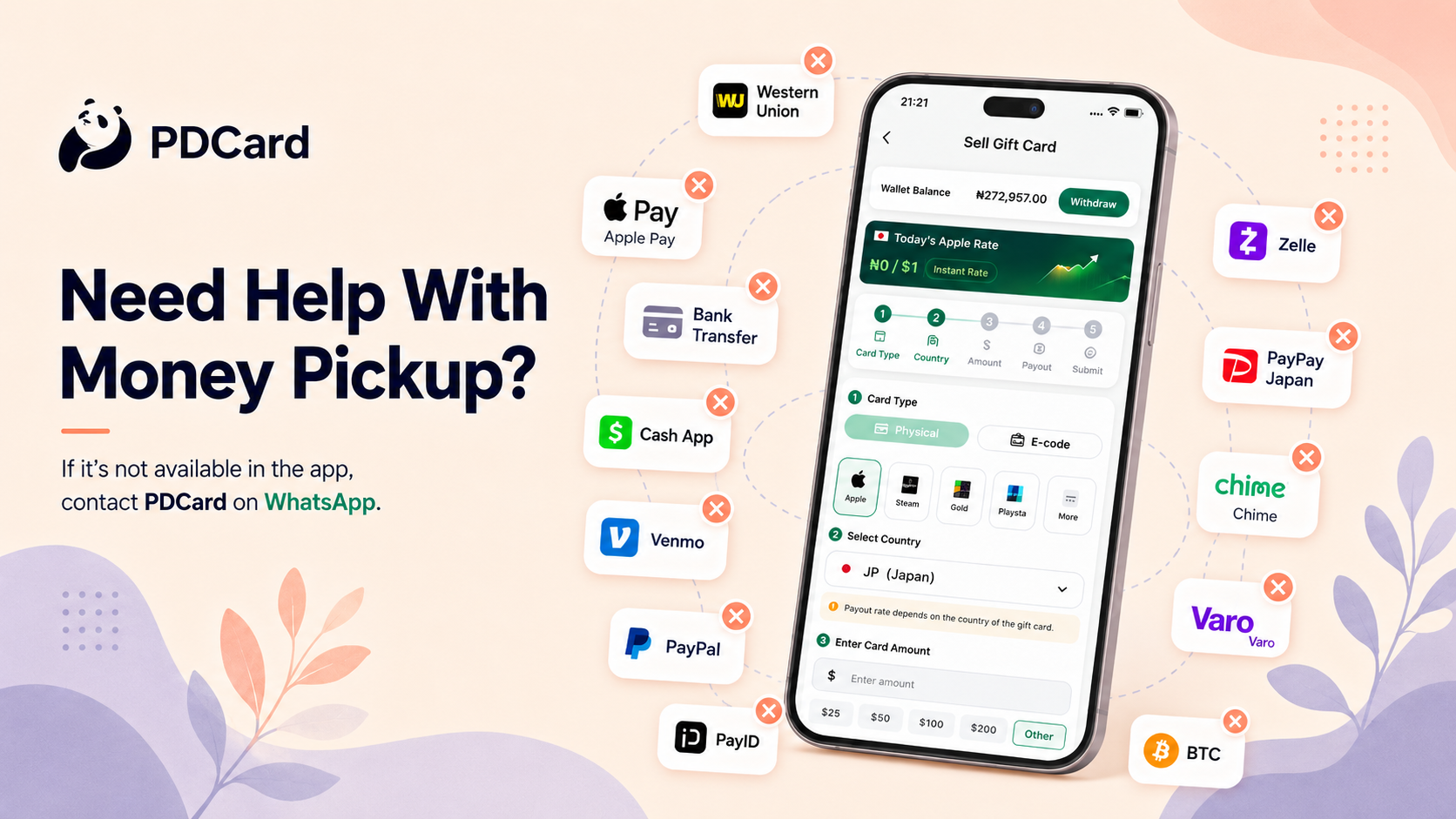
Route 02 · Money pickup
If you do not have the required receiving app or pickup method, Customer Service can check whether PDCard can assist.
Money pickup is reviewed case by case. Customer Service will confirm whether the transfer is supported and explain the next steps.
Why WhatsApp?
Unlisted cards and transfer requests depend on product details, provider, country, currency and receiving conditions.
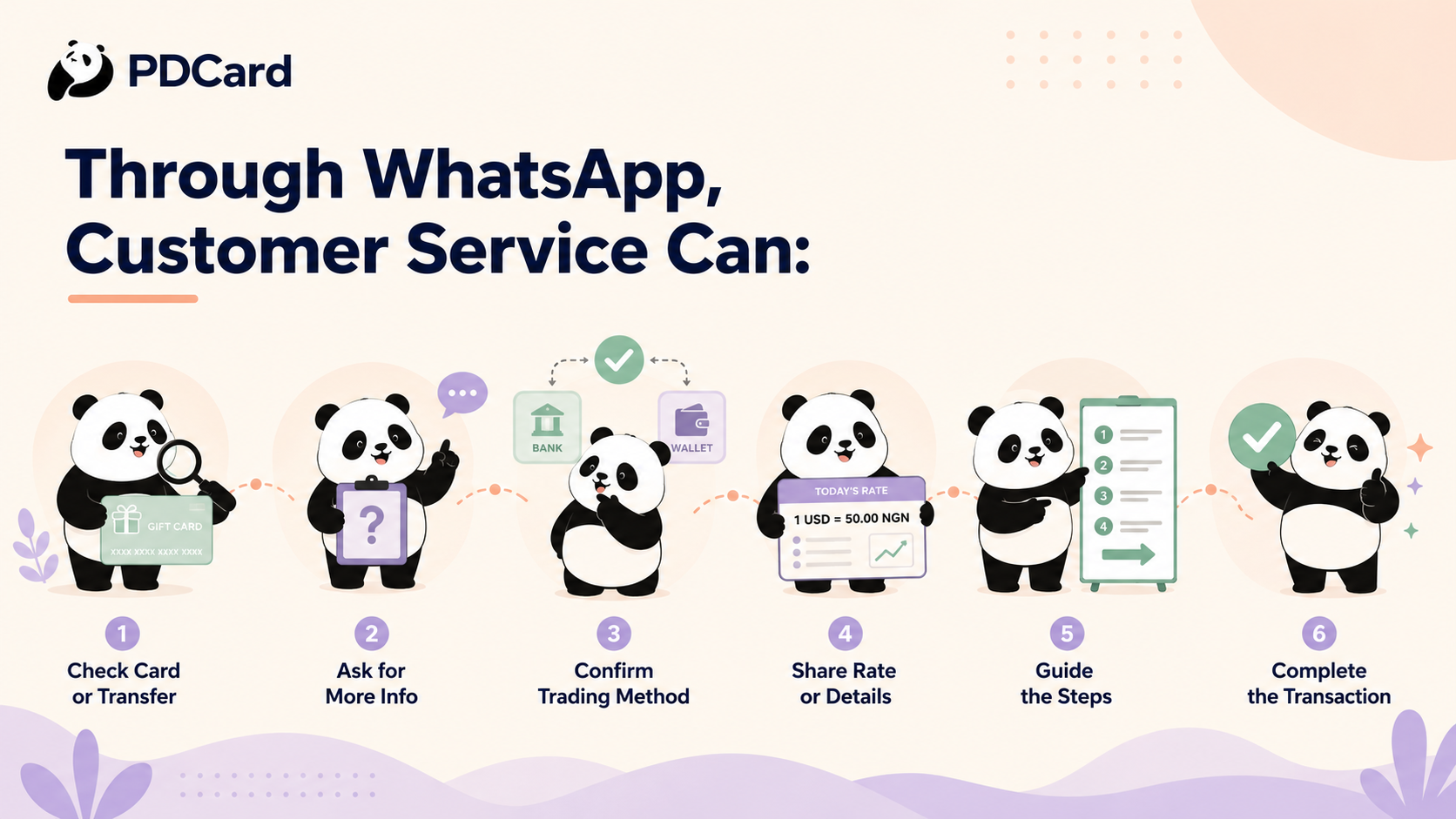
Interactive walkthrough
Tap each step to see its matching guide. Every image appears once and stays connected to the correct action.
Quick comparison
Use the app for standard listed products. Use Customer Service when the transaction needs individual review.
Best when the exact product and rate are already available.
Best when the card, rate or transfer option is not standardized.
Remember
Use the correct support route, share accurate information and let PDCard Customer Service check what is possible.
PDCardCustomer Care